fluffy-engine
How to Create Courses

Organisers can create courses in the Organiser View. This is a step by step guide on how to create a course.
Before you start
Make sure that:
- You have logged in to the Organiser View
How to Create a Course
An Organiser can create a course in the Organiser View.
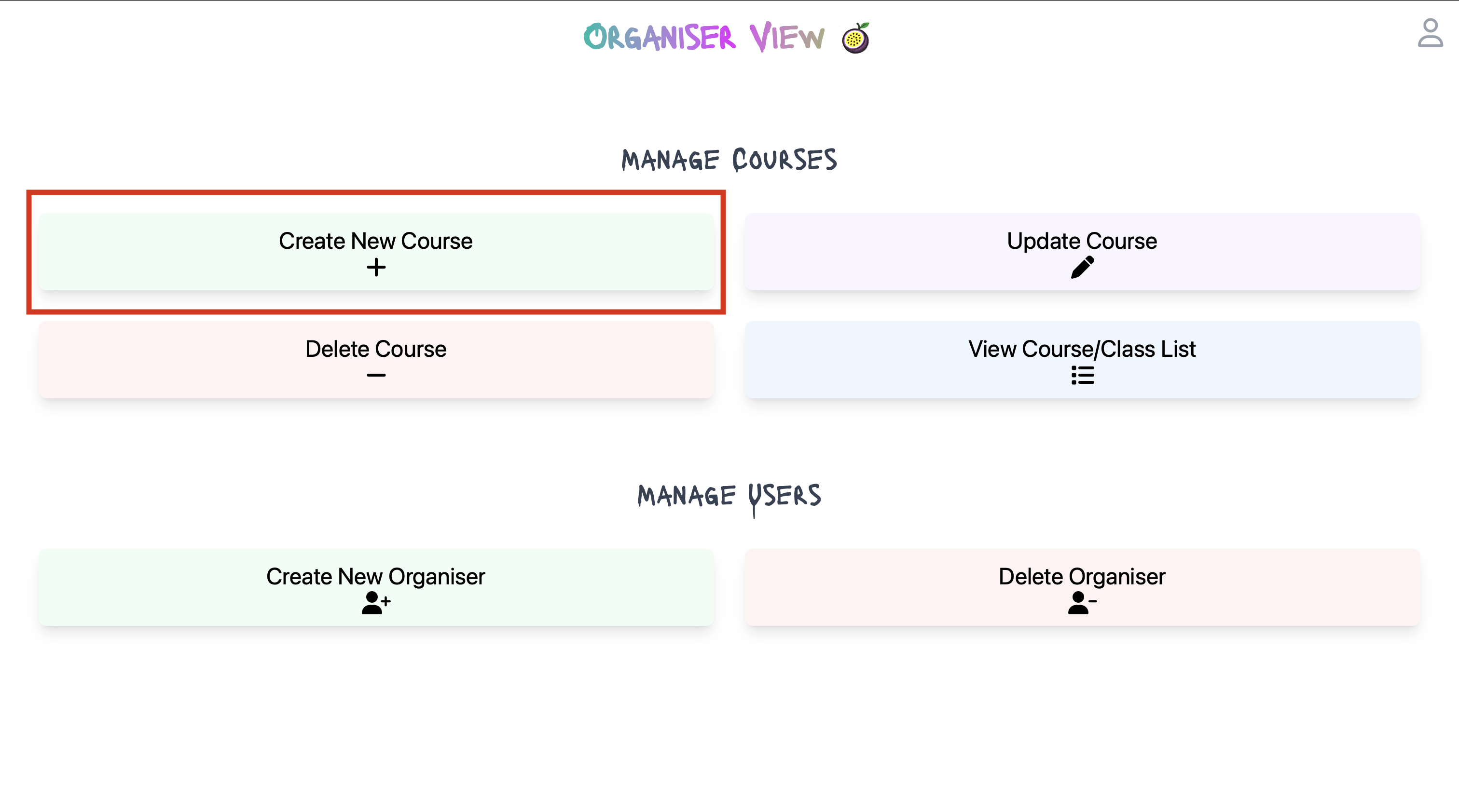
- Click on the Create New Course button on the Organiser View.
- Fill in details on the Create Course page.
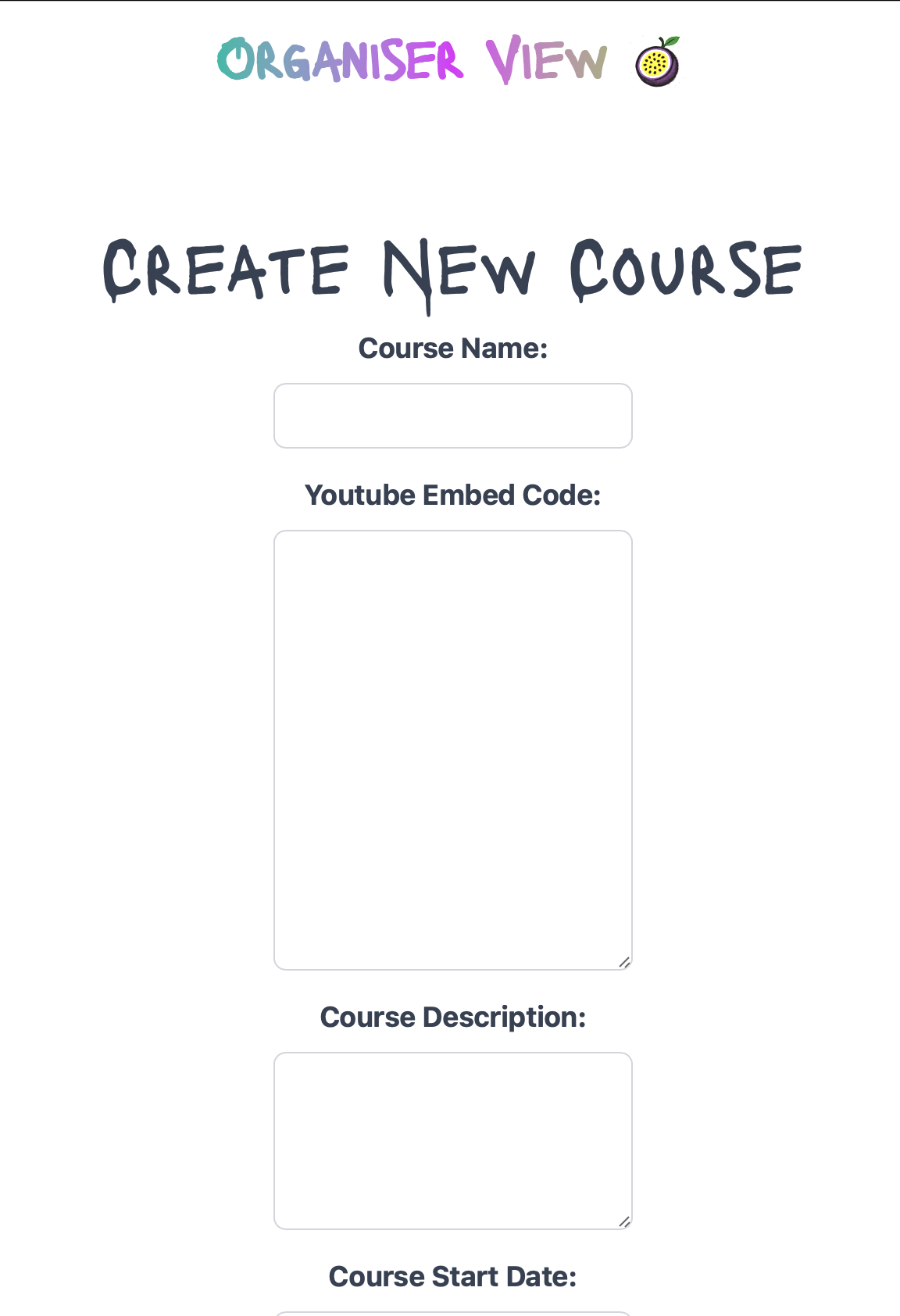
Expected data as follows:
| Field | Description | Example |
|---|---|---|
| Course Name | The name of the course | “Learn Safety Dance” |
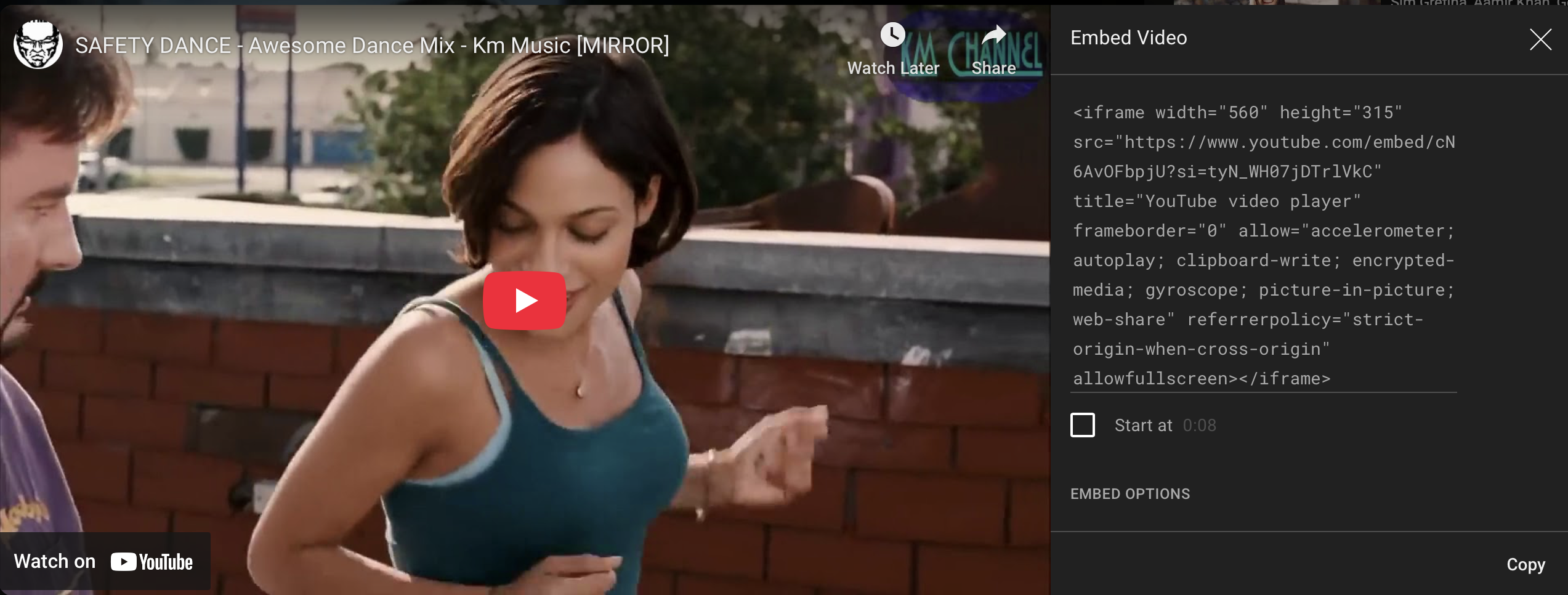
| Youtube Embeded Link | The embeded code from youtube | See Screenshot below |
| Course Description | A short description of the course | This is a course on Dancing Safely |
| Course Start Date & Course End Date | The date the course starts. This is free text | 2023-10-01 |
| Course Duration | The duration of the course. This is free text | 2 weeks |
| Course Time | The time the course/classes start. This is free text | 10:00 AM |
| Course Schedule | The schedule of the course. This is free text | Monday, Wednesday, Friday |
| Course Location | The location of the course. This is free text | Studio A |
| Course Fee | The fee for the course. This is free text that inserts the ‘£’ character at the beginning | 100 |
| Instructor | The name of the instructor. This is free text | John Doe |
| Instructor Bio | A short bio of the instructor. This is free text | John Doe is a professional dancer |
| Beginner/Intermediate/Advanced | The level of the course. This is a checkbox. Please only select 1 | Check box |
Youtube Embeded Link
- Click on the Create Course button to create the course.